- Python 100%
| .github | ||
| Abyssal Wave | ||
| Animated | ||
| Catppuccin Latte | ||
| Catppuccin Mocha | ||
| Dracula | ||
| Frosted Glass | ||
| Graphite Mono | ||
| Green Lush | ||
| Greenify | ||
| Gruvbox Retro | ||
| Lucid Aurora | ||
| Material Sakura | ||
| Monokai | ||
| Nordic Blue | ||
| One Dark | ||
| Paranoid Sweet | ||
| Quiet Sun | ||
| Rain Dark | ||
| Rosé Pine | ||
| Scarlet Night | ||
| Sci-fi | ||
| Solar Pulse | ||
| Solarized Dark | ||
| Synth Wave | ||
| System UI | ||
| .gitignore | ||
| CONTRIBUTING.md | ||
| LICENSE | ||
| README.md | ||
| rename_wallpapers.py | ||

⛅ \\ Wallz Gallery
A collection of cool wallpapers for your desktop.
📦 Installation
Tip
Download with curl
Use this in CMD on Windows (not
PowerShell), or any terminal on Linux/macOS:curl -L -o wallz.zip https://github.com/fr0st-xyz/wallz/releases/latest/download/wallz.zipManual Download
You can also download the latest release directly from the Releases page which is simpler.
🐍 Rename Wallpapers Script
Note
You can use the rename_wallpapers.py script to keep your wallpapers organized.
It renames them to a format like 01. [Theme_Name].jpg, 02. [Theme_Name].jpg, and so on.If you download the wallz.zip pack from Releases, it only includes the normal wallpapers it does NOT include the Python script.
This is because we want to avoid adding extra bloat to the wallpapers package.If you want to use the Python tool, you can download it separately from the Releases and place it in your
wallzfolder.Then, open a terminal in the
wallzfolder and run:python3 rename_wallpapers.pyFeel free to fork the repo and make your own version!
🎨 Themes
All of our themes are listed below.
|
|
🔍 Preview some of the themes from above :)
☕ Catppuccin Mocha
| ☕ Catppuccin Mocha |
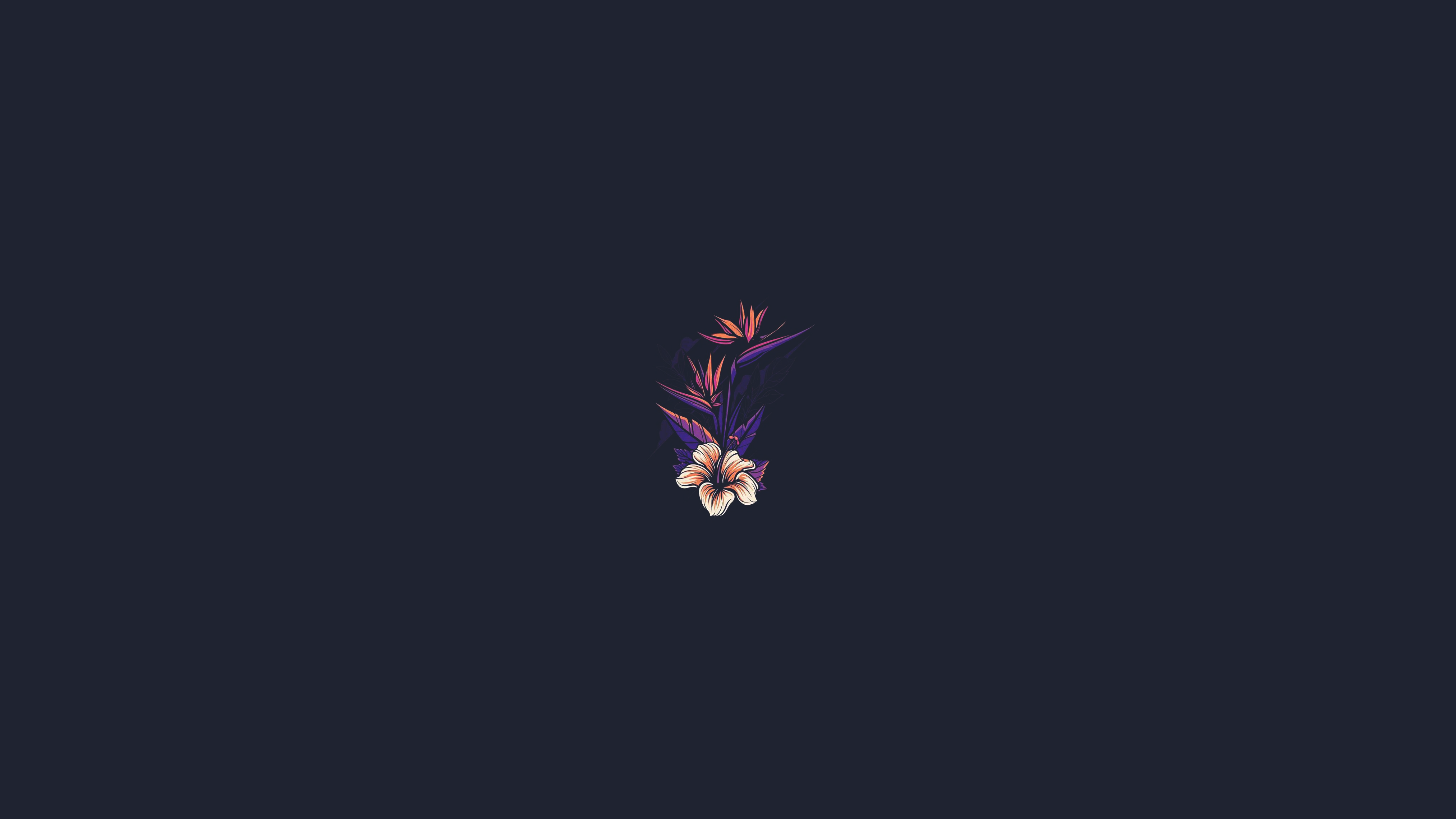
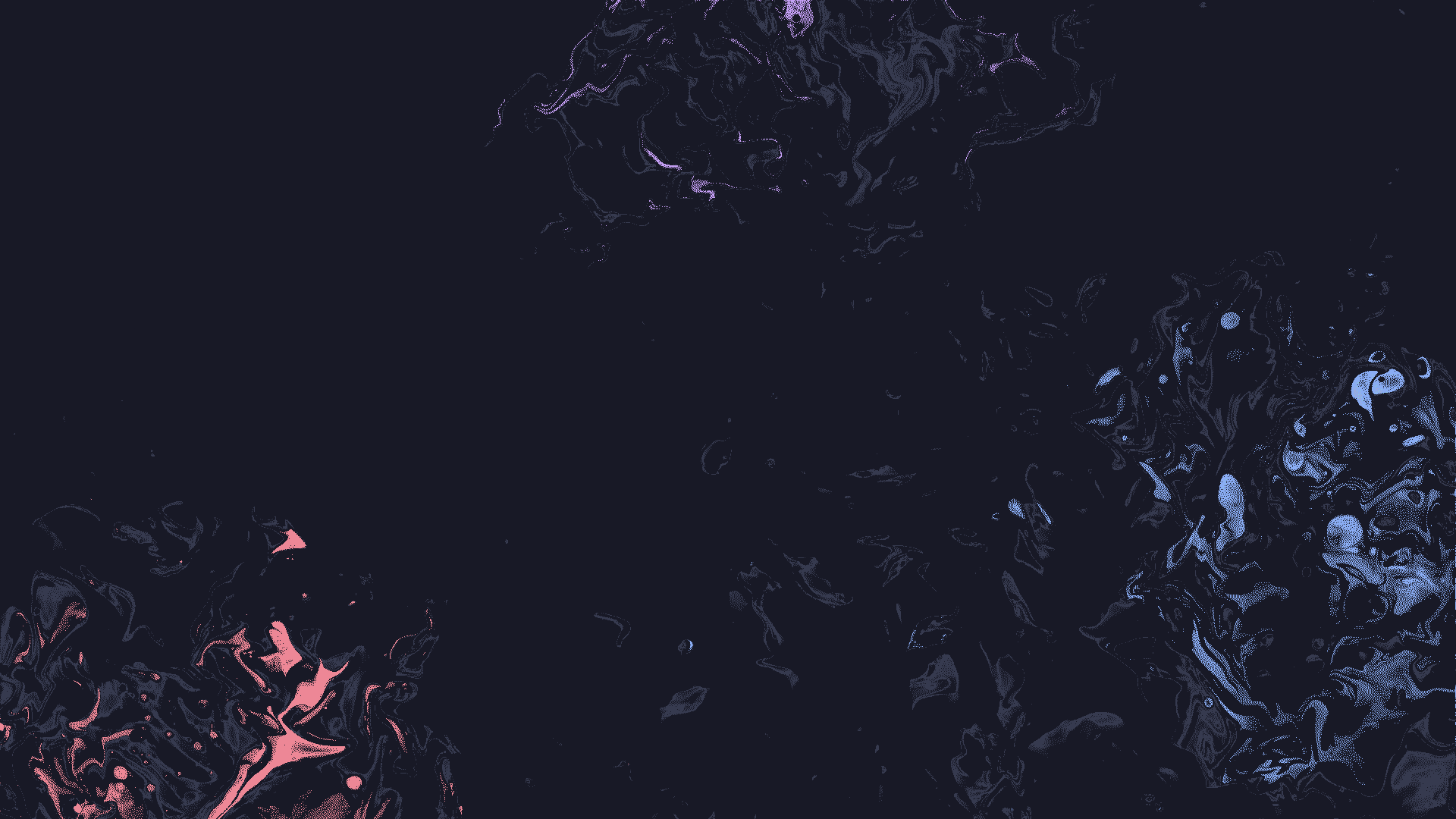
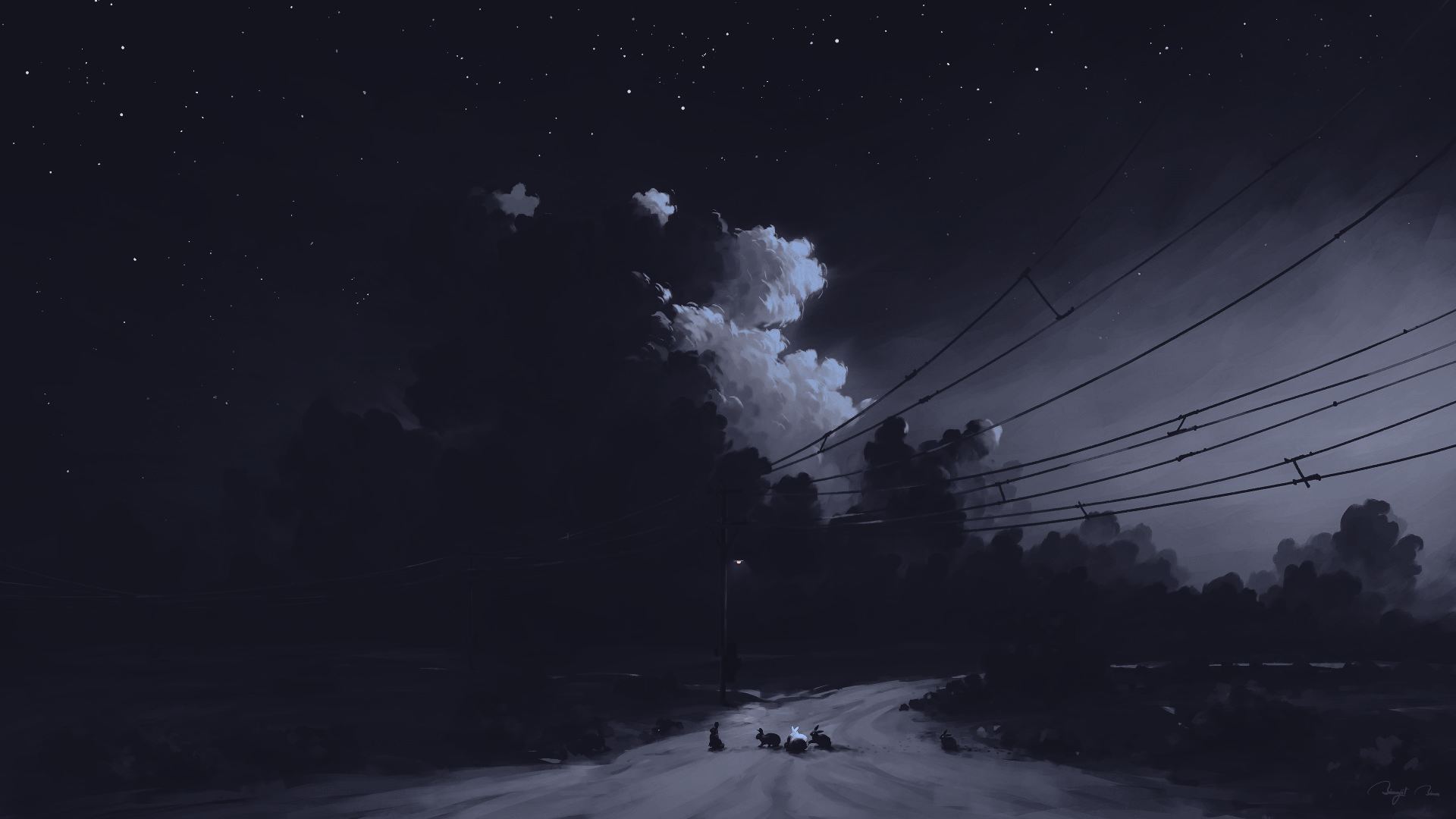
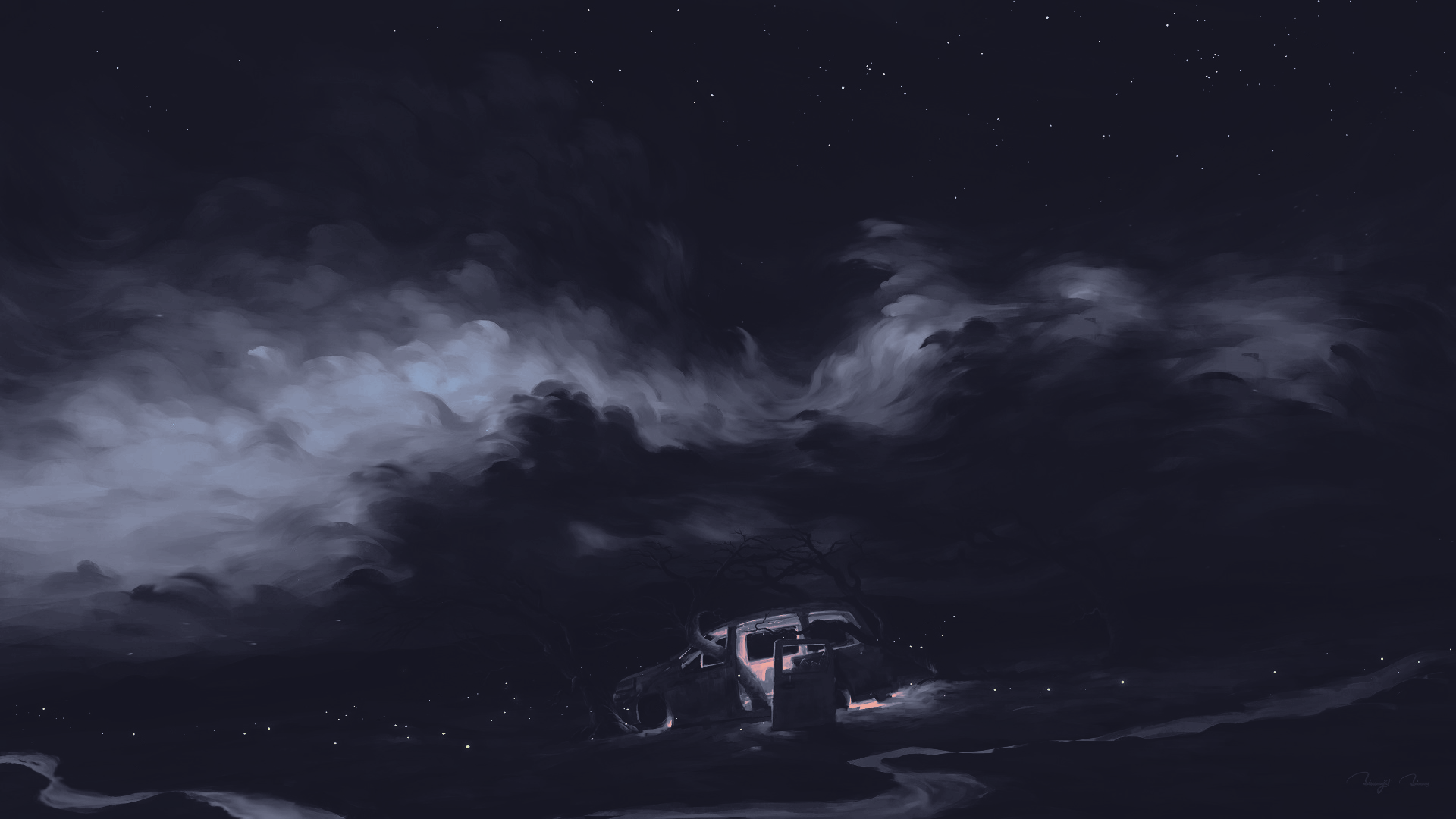
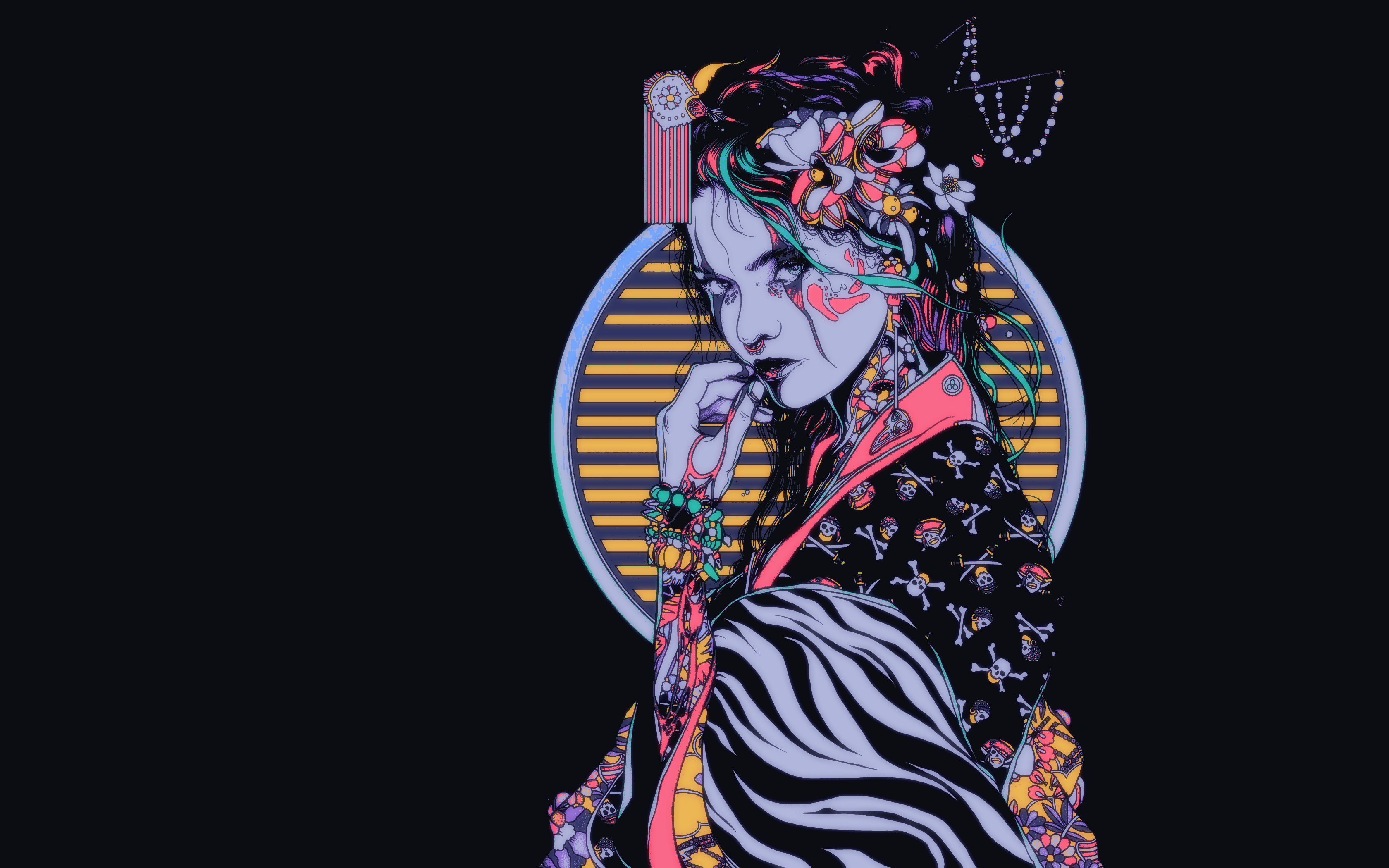
|
🪨 Graphite Mono
| 🪨 Graphite Mono |
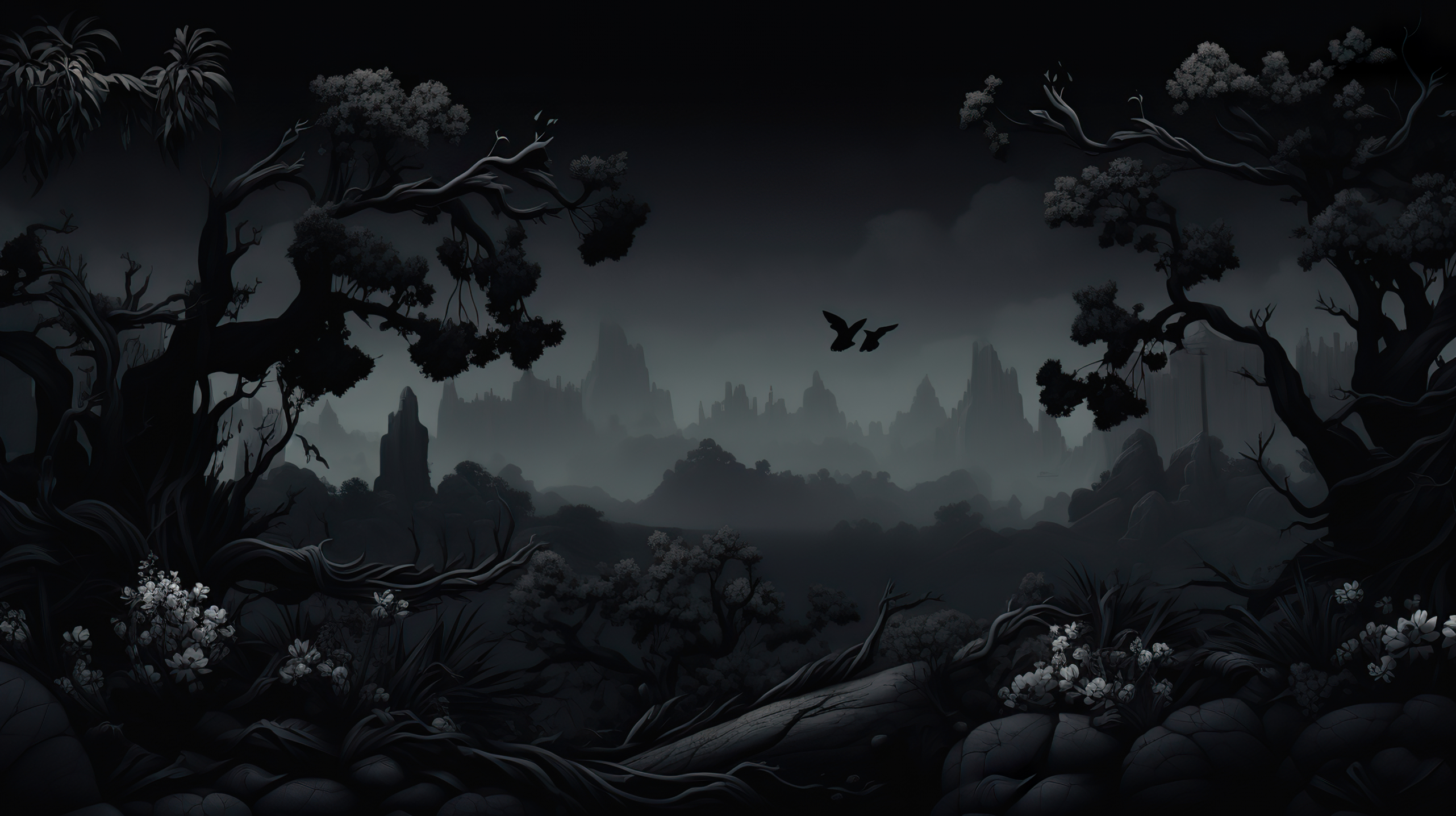
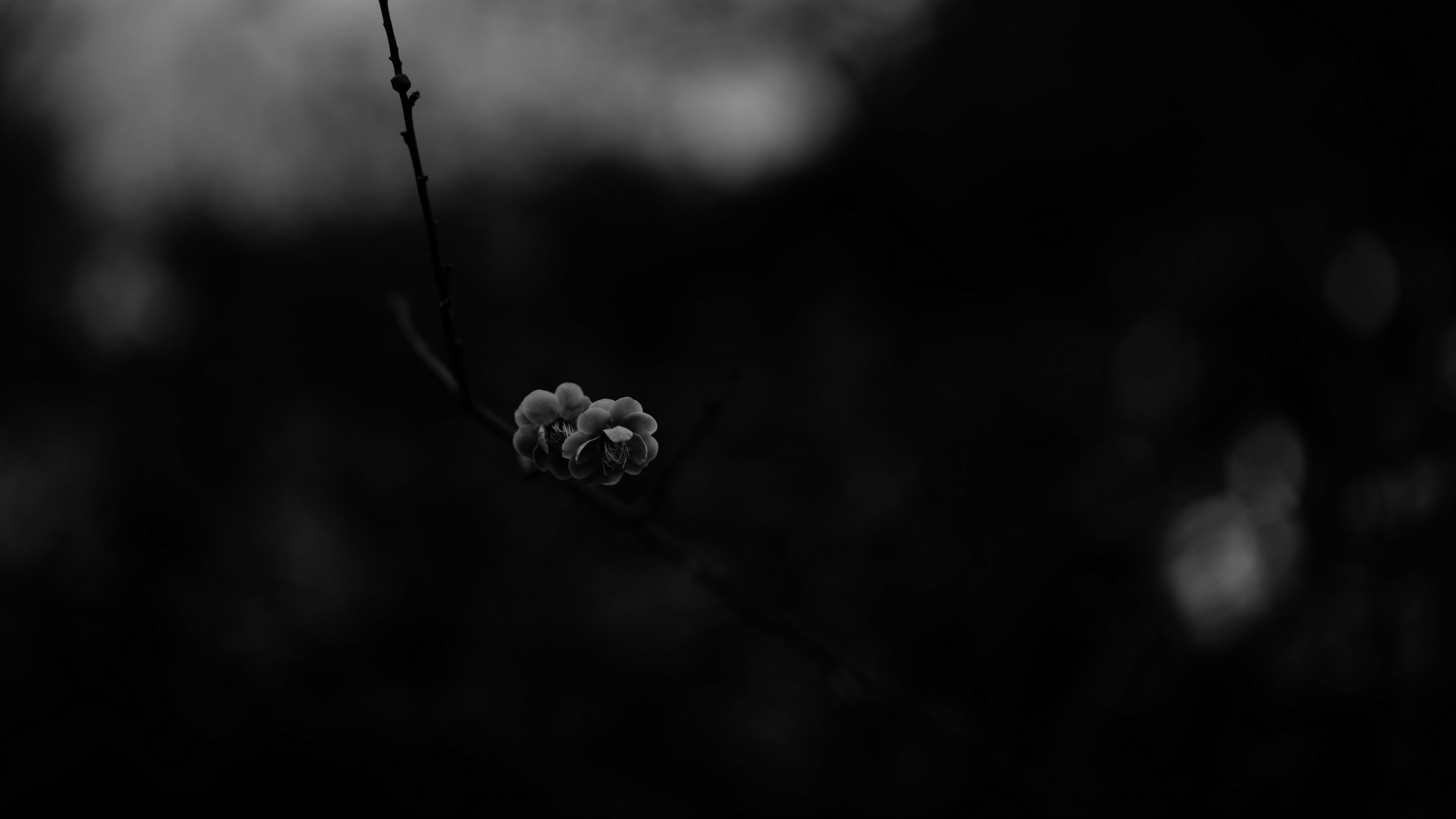
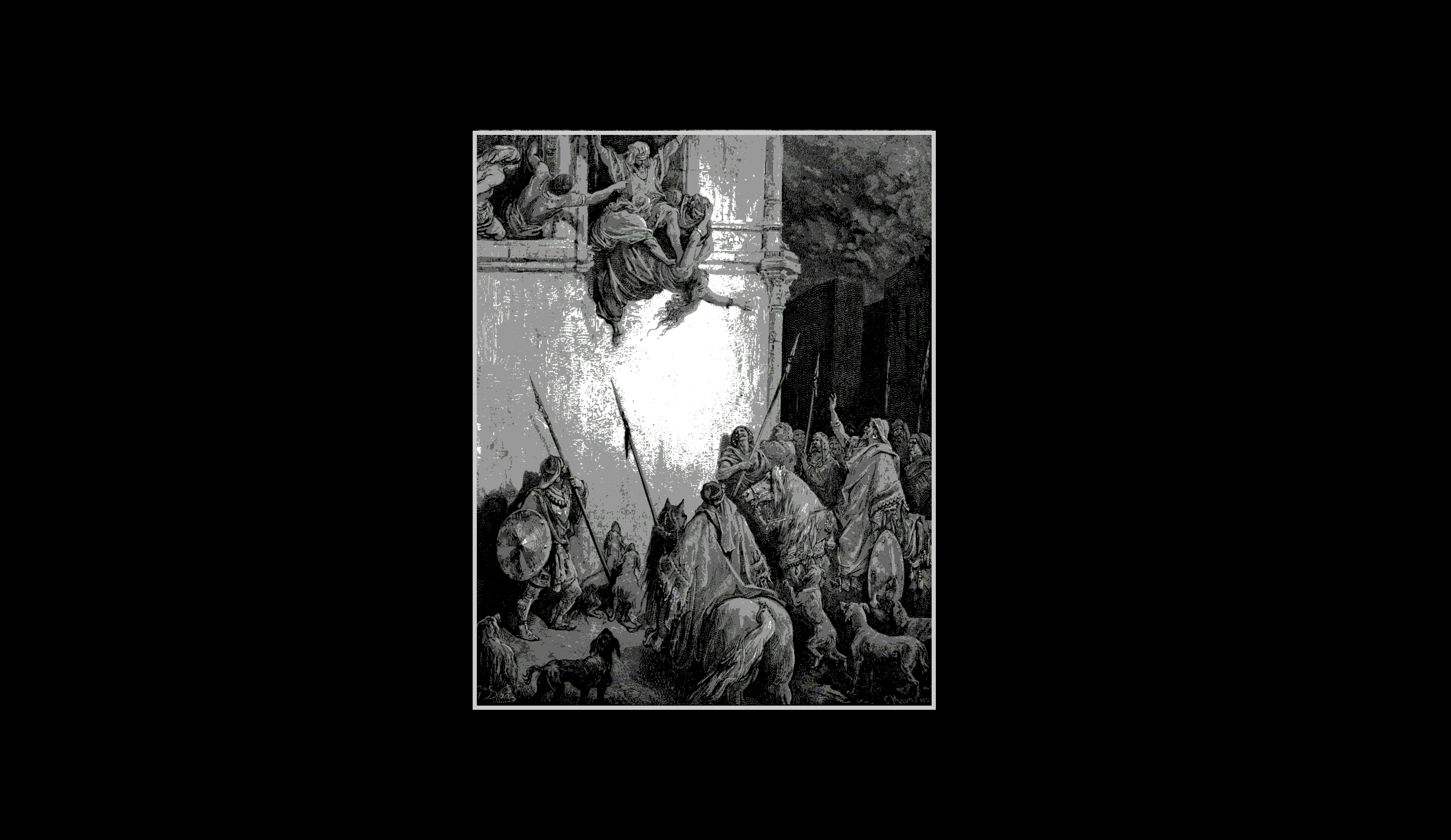


|
🌿 Green Lush
| 🌿 Green Lush |
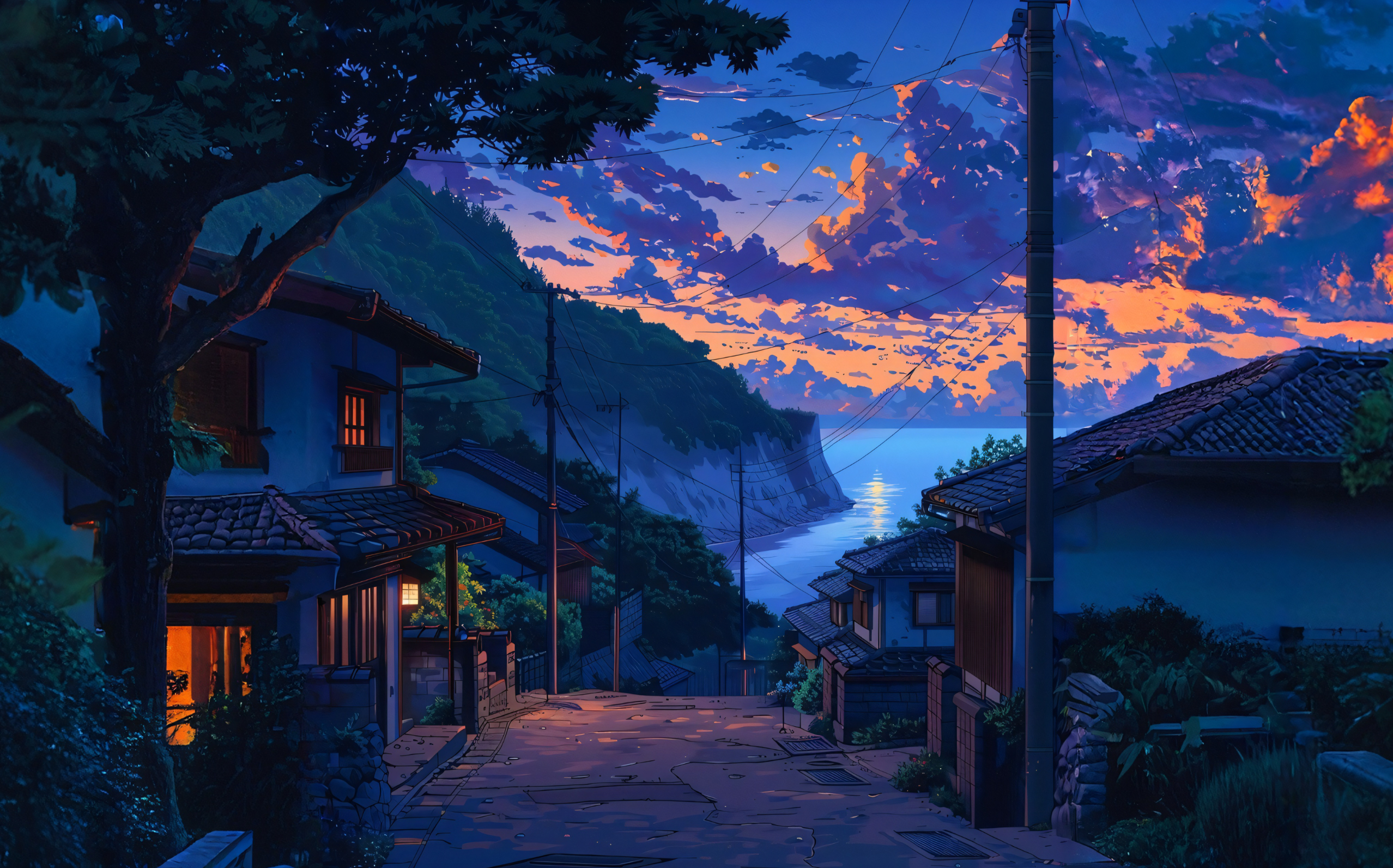
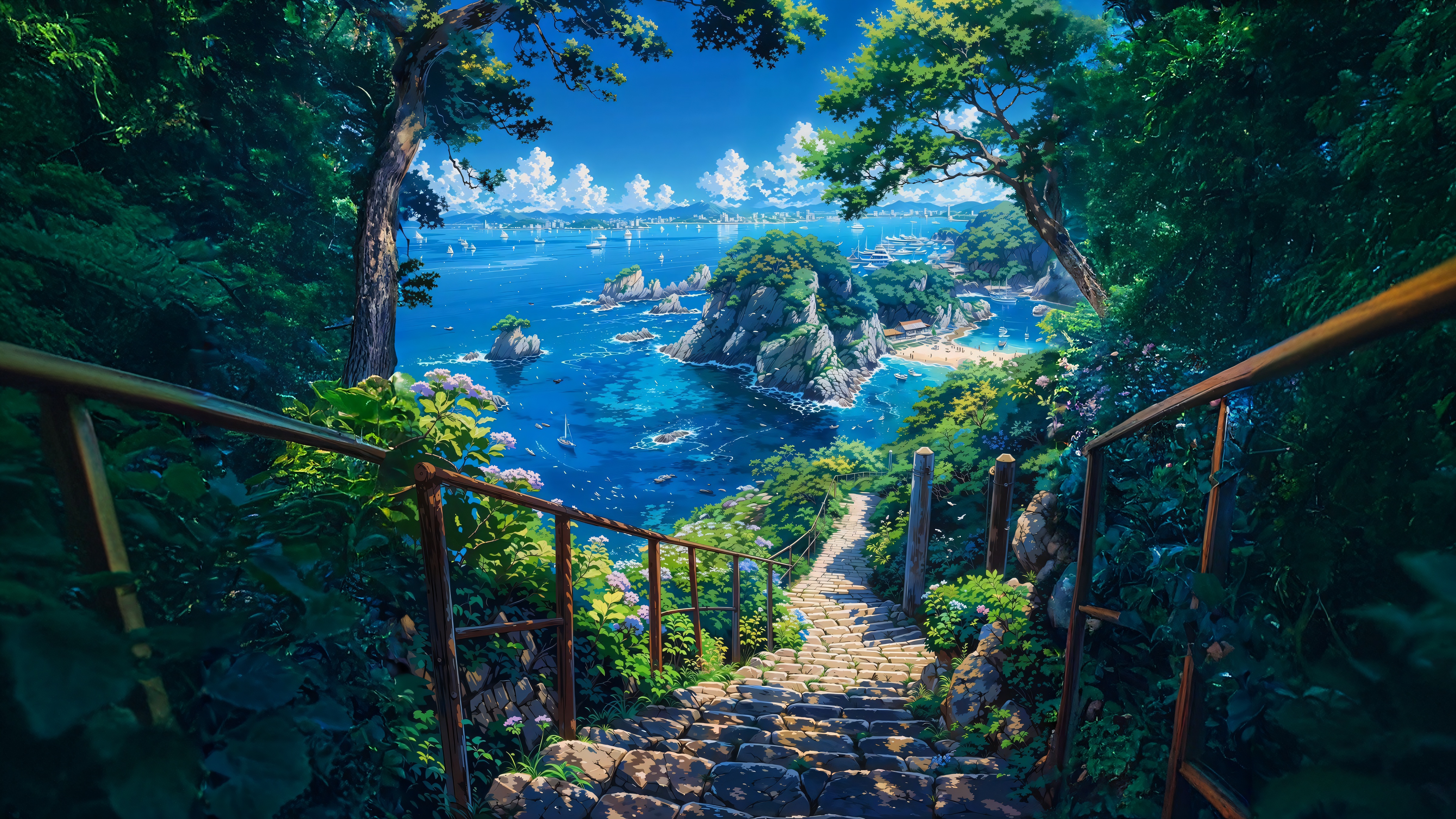

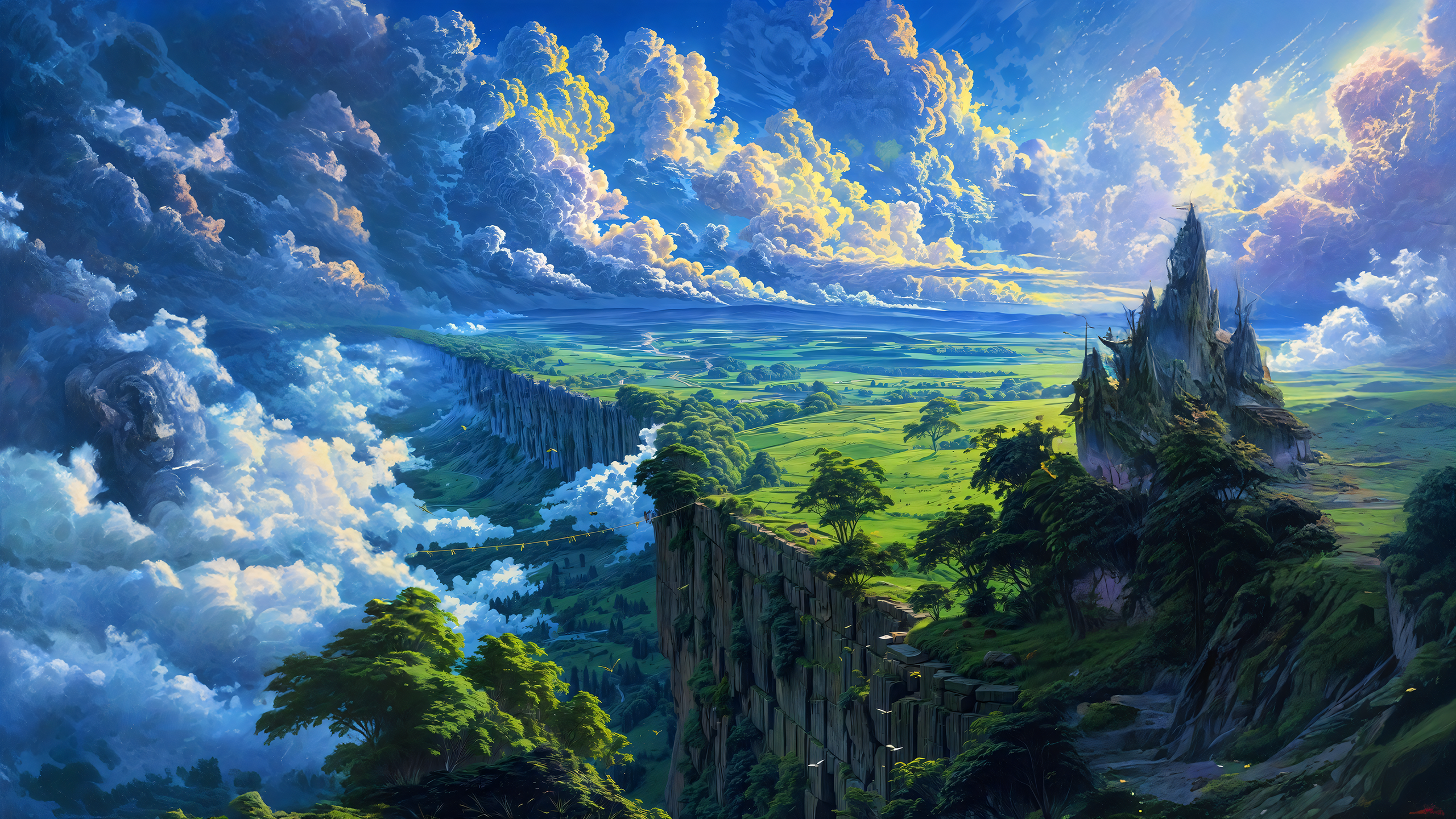
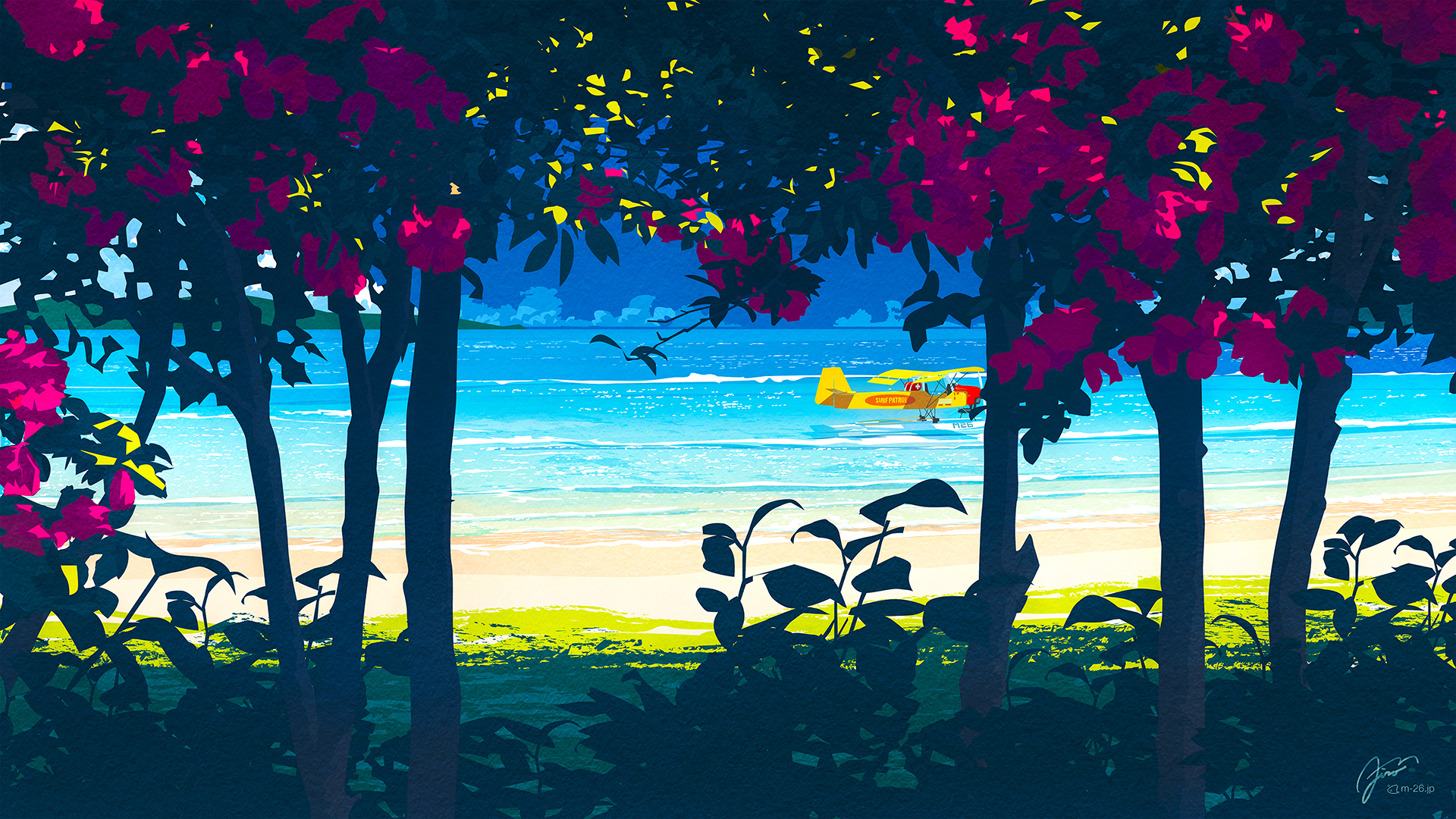
|
🩸 Scarlet Night
| 🩸 Scarlet Night |
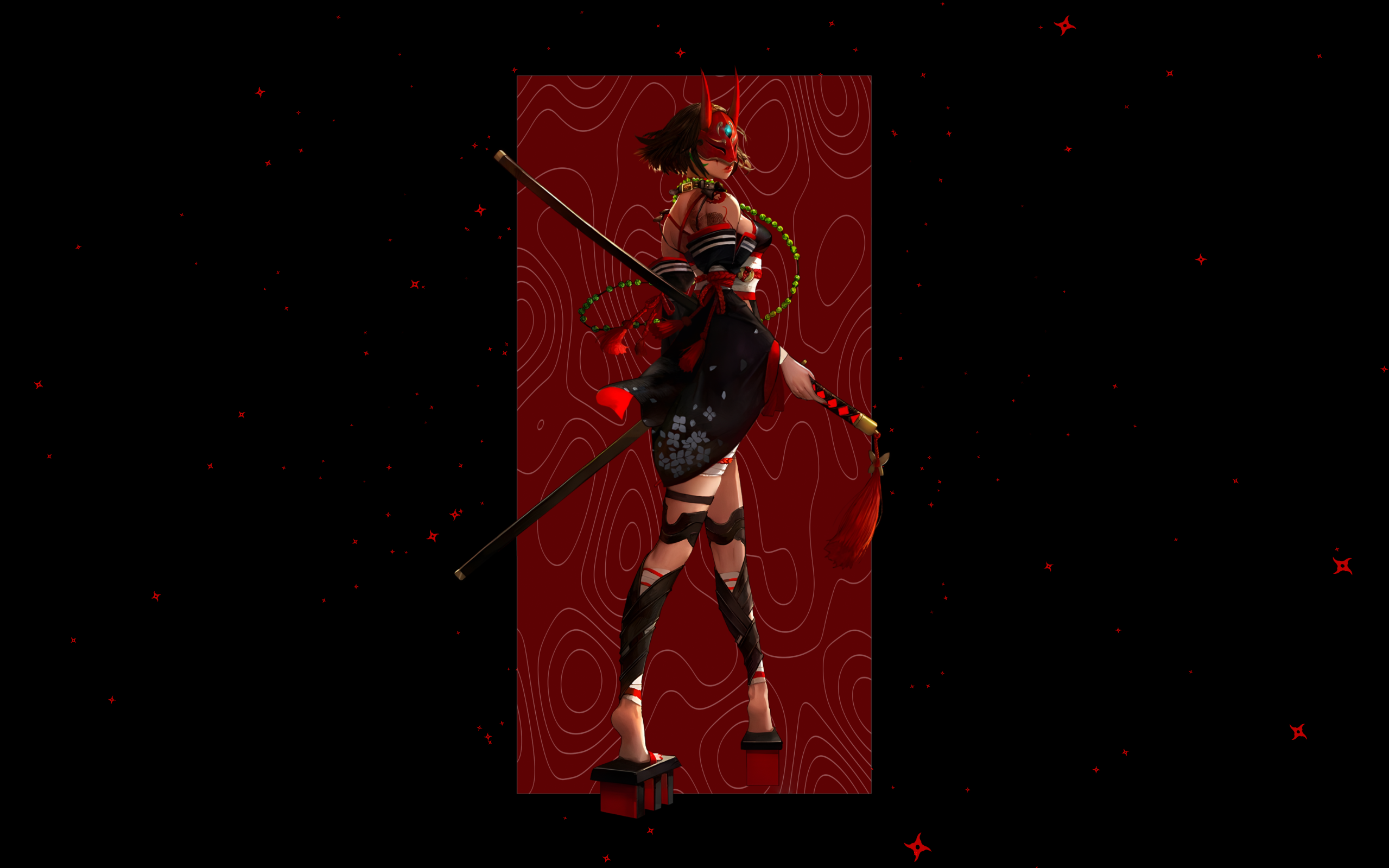
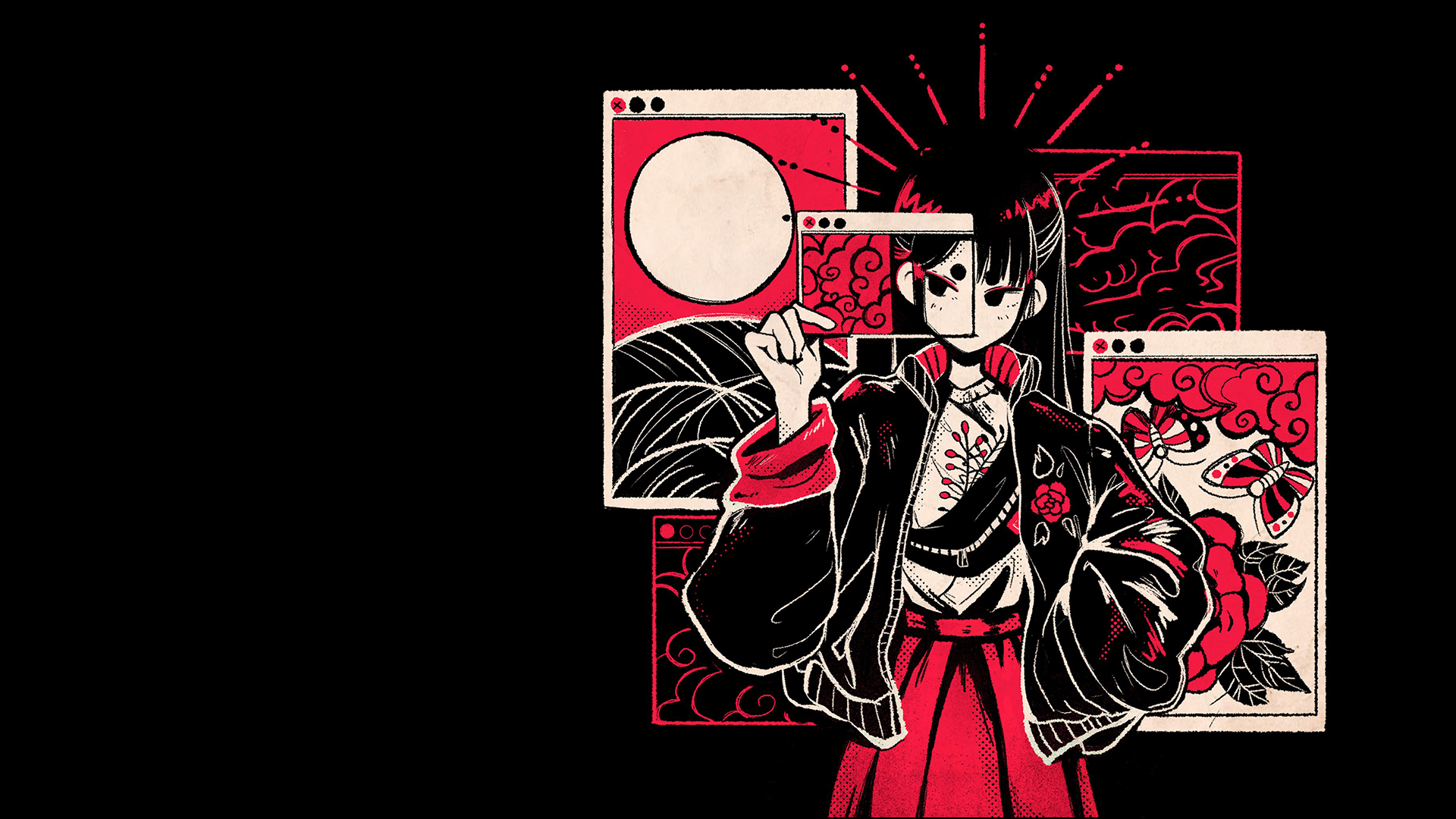

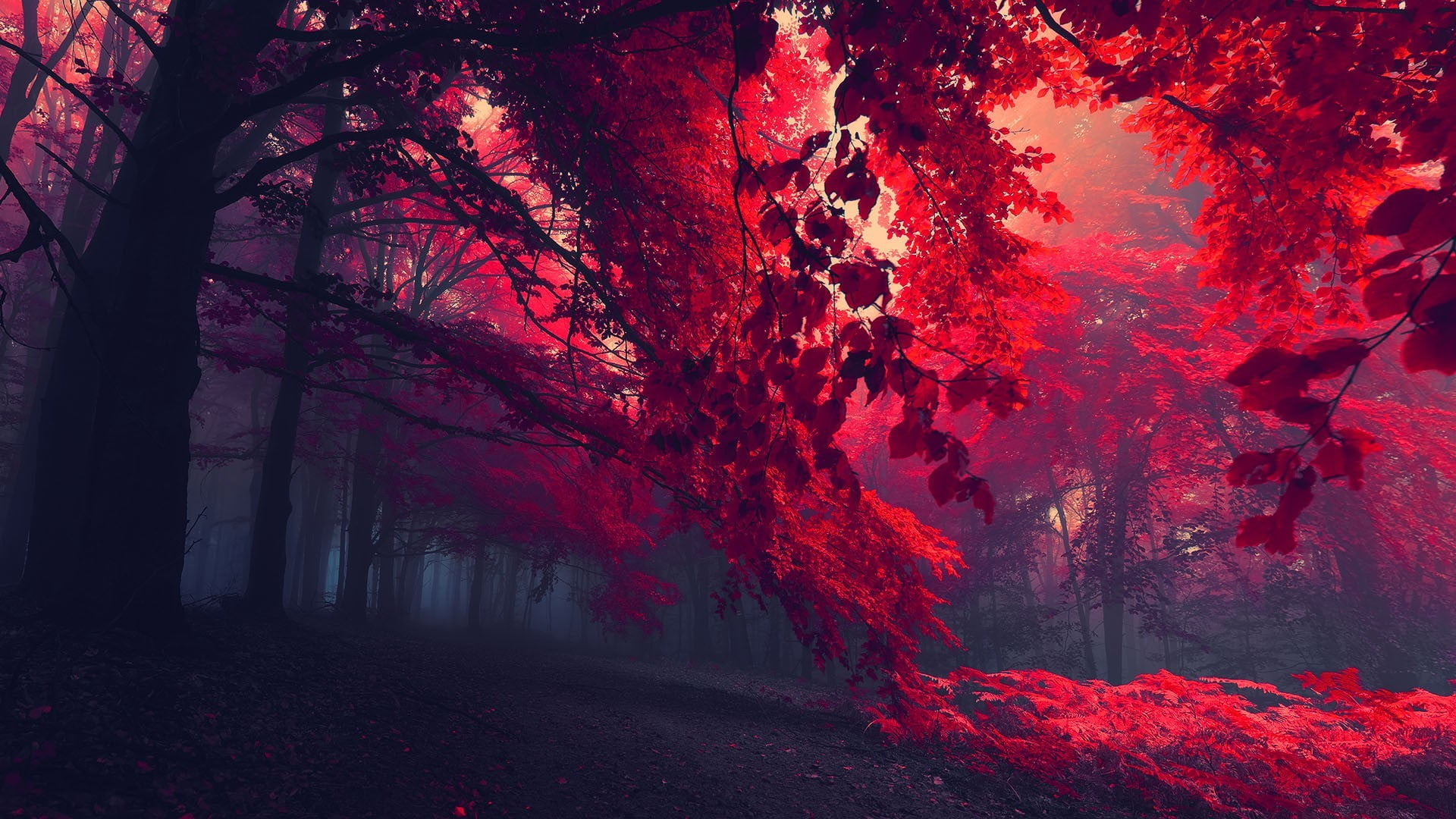
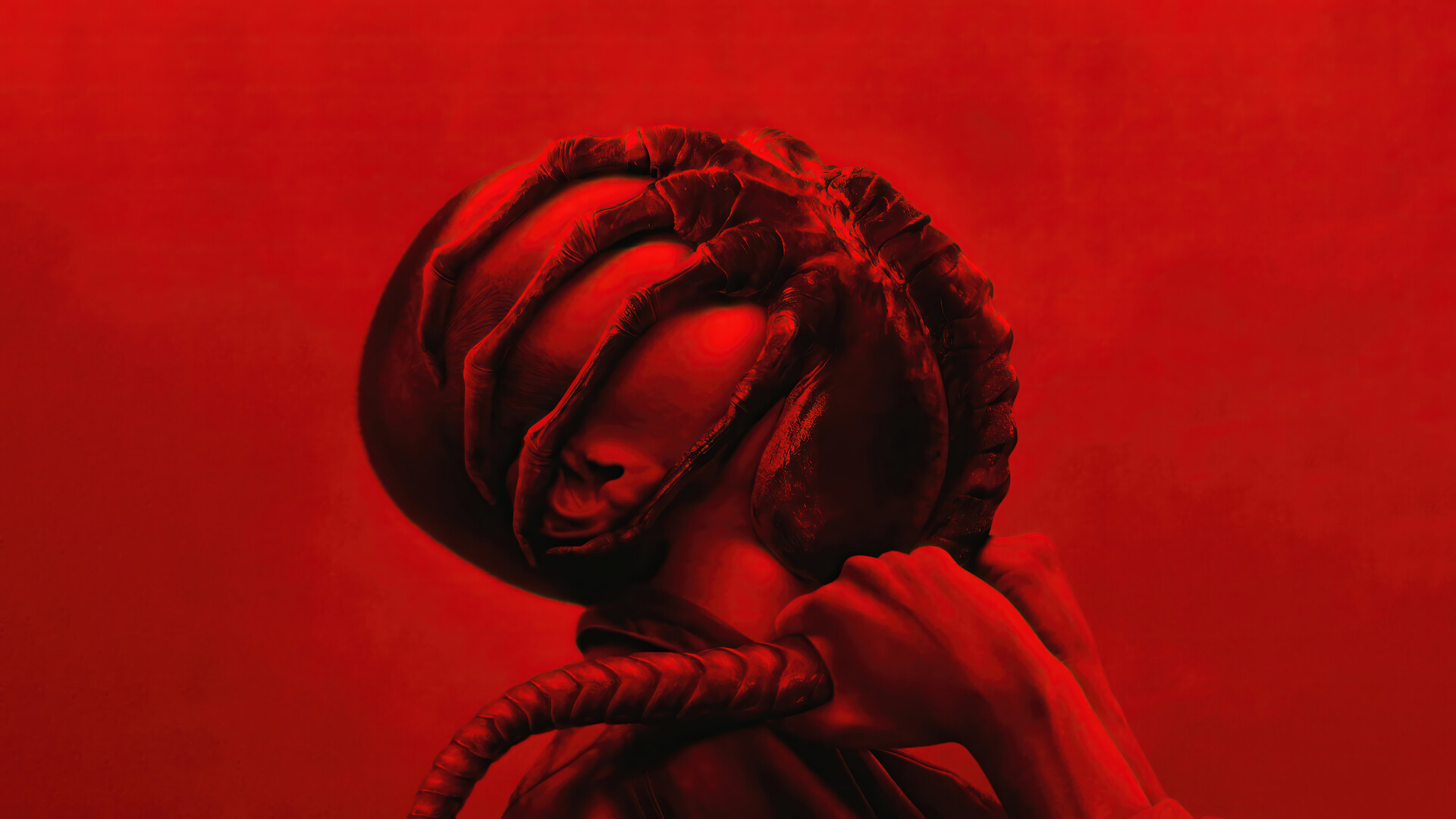
|
🍬 Paranoid Sweet
| 🍬 Paranoid Sweet |

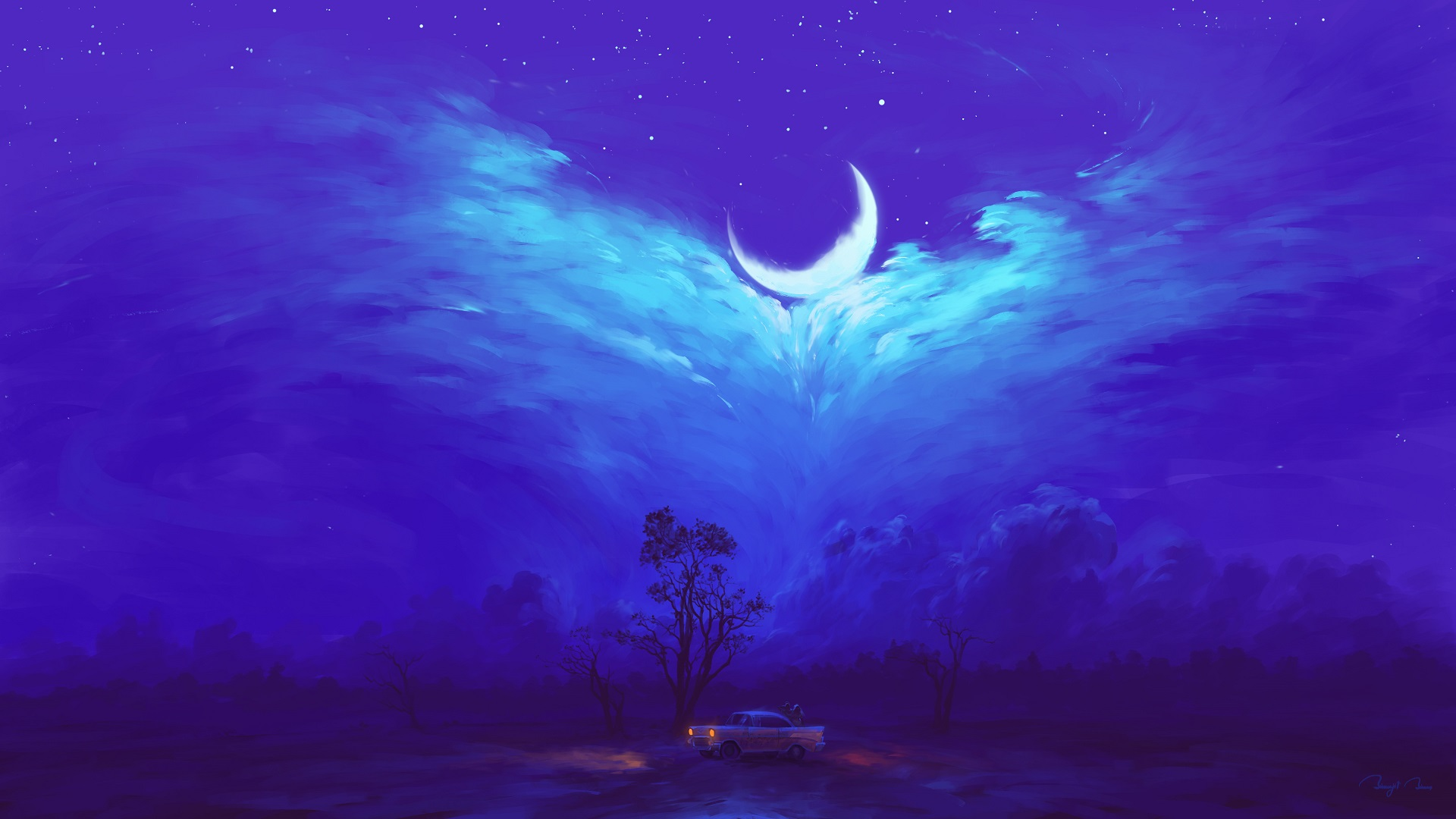
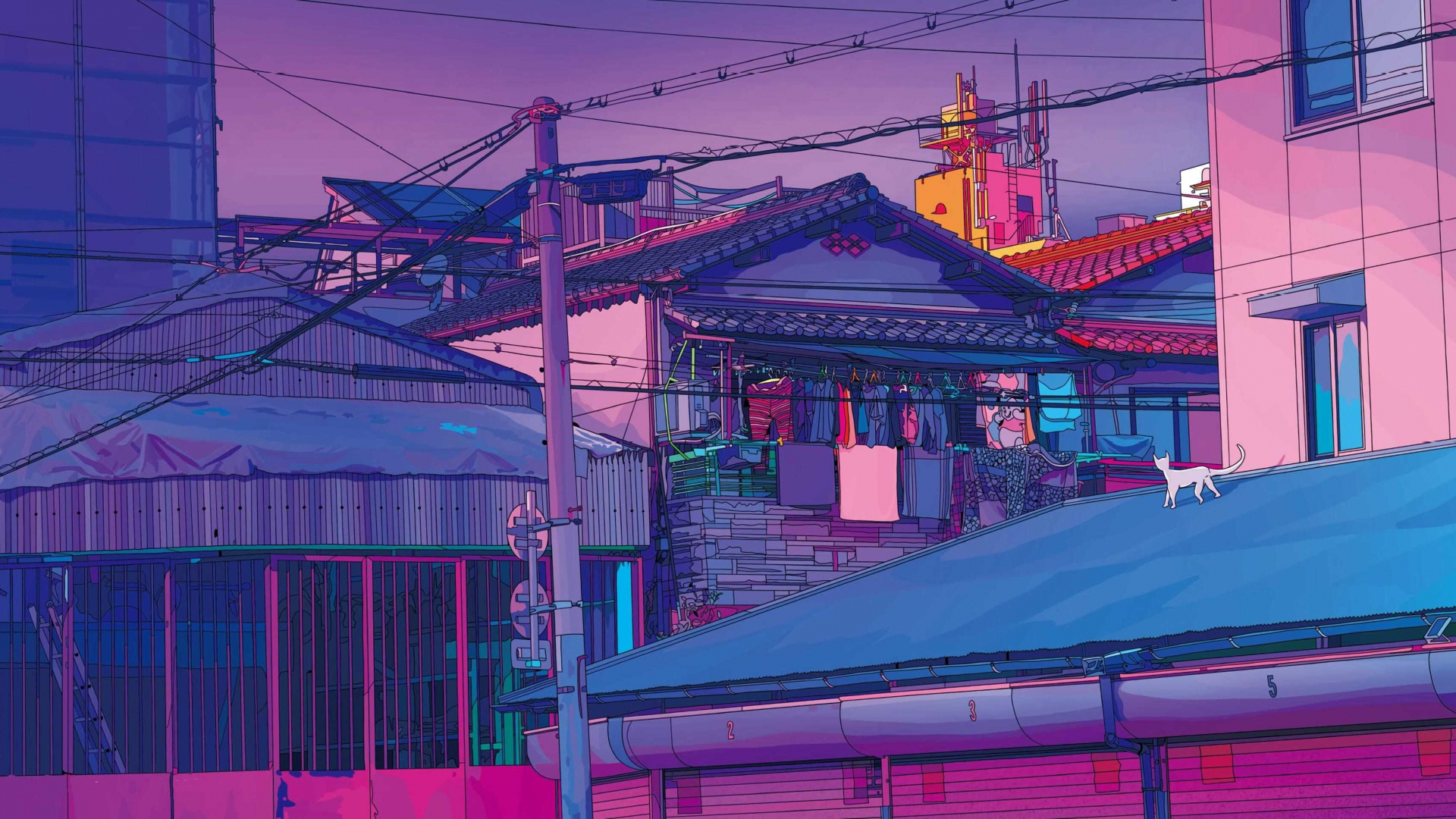
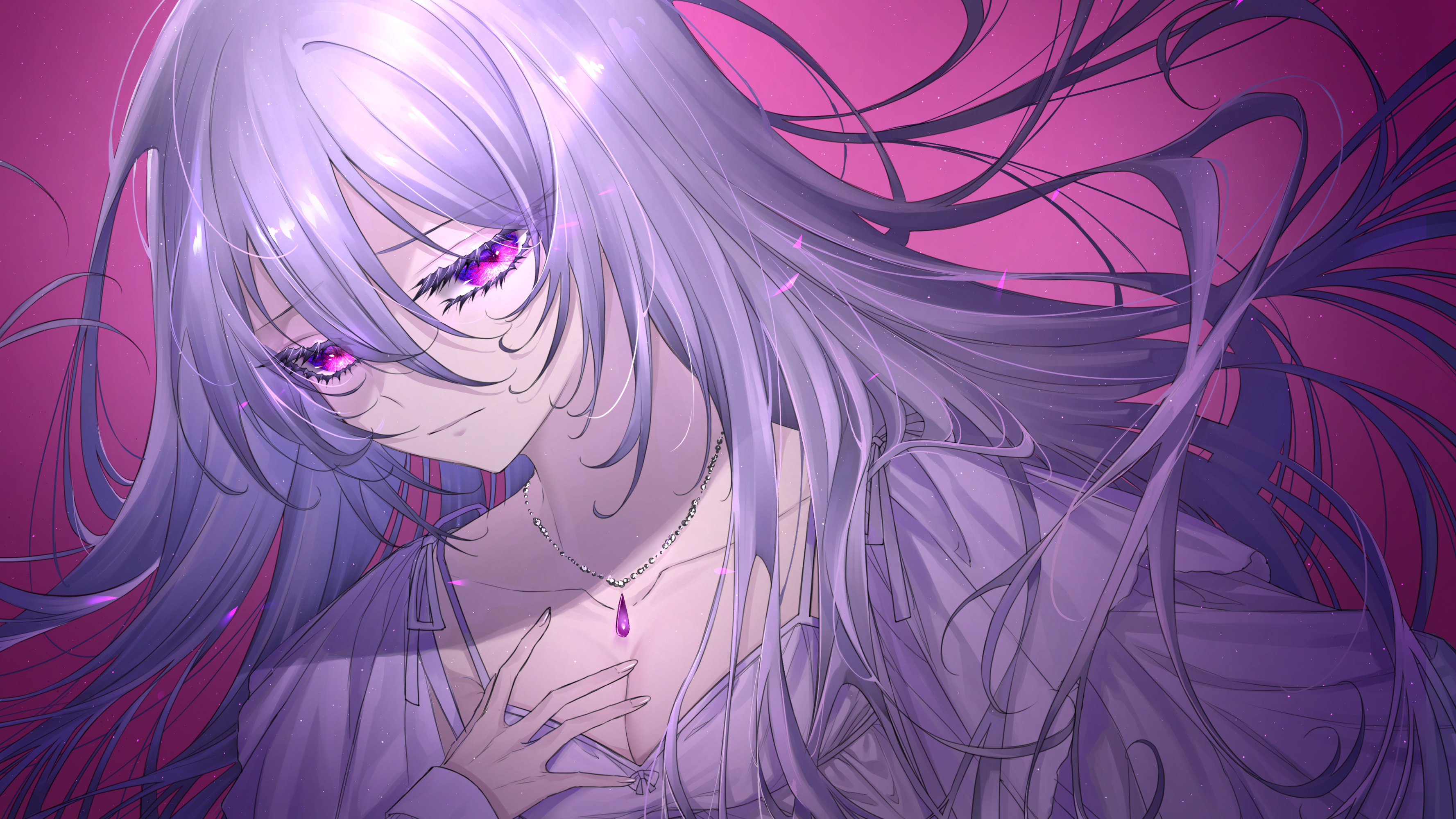
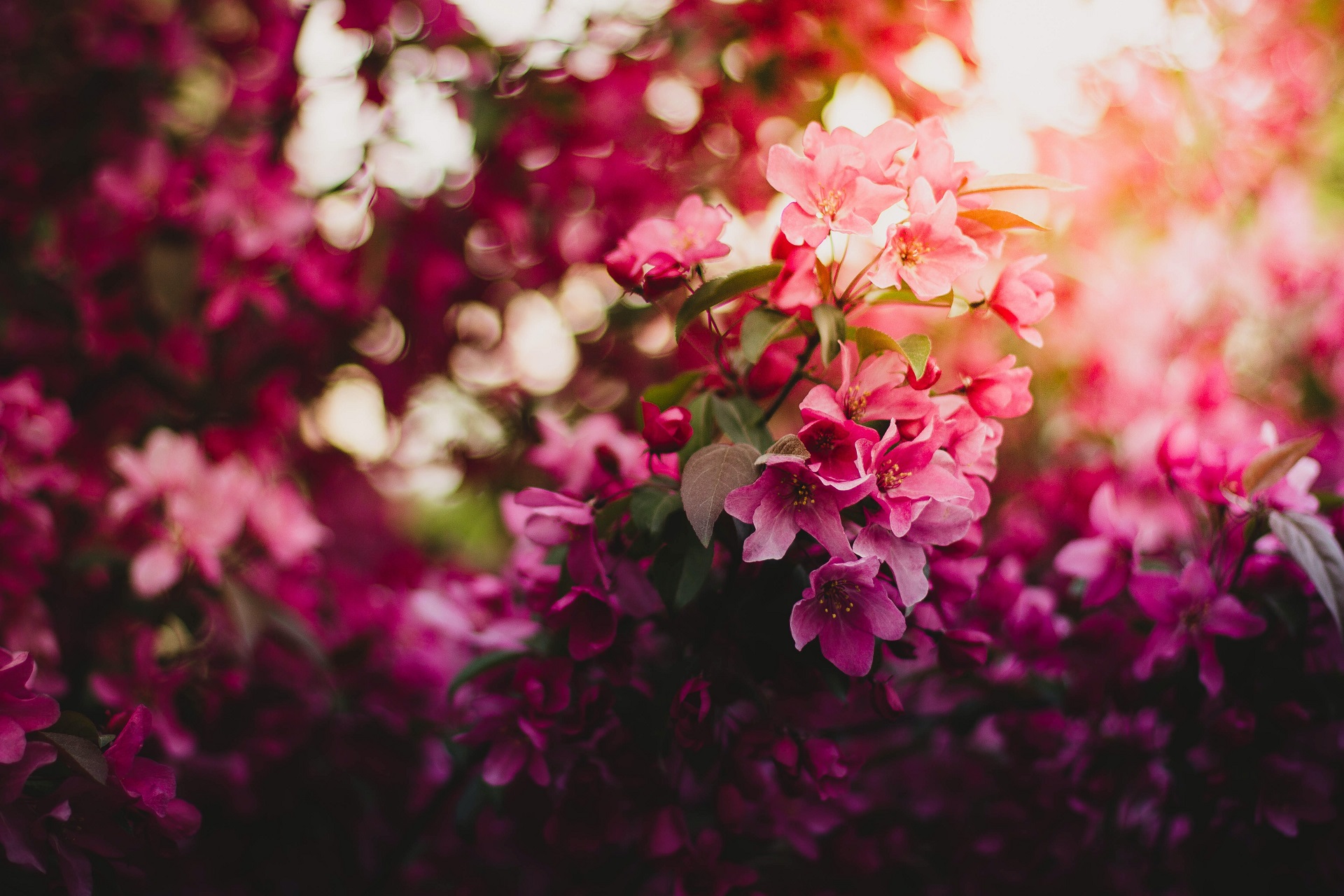
|
📁 And More...
| 📁 And More... |
🖼️ Artwork Credits
I'm not the creator of these images. All credit goes to the original artists.
🤝 Contributing
We welcome contributions to help grow the theme collection and add new wallpapers! If you're interested in contributing, please check out the CONTRIBUTING.md for guidelines and instructions.